准备好探索 imToken 了吗?
马上体验
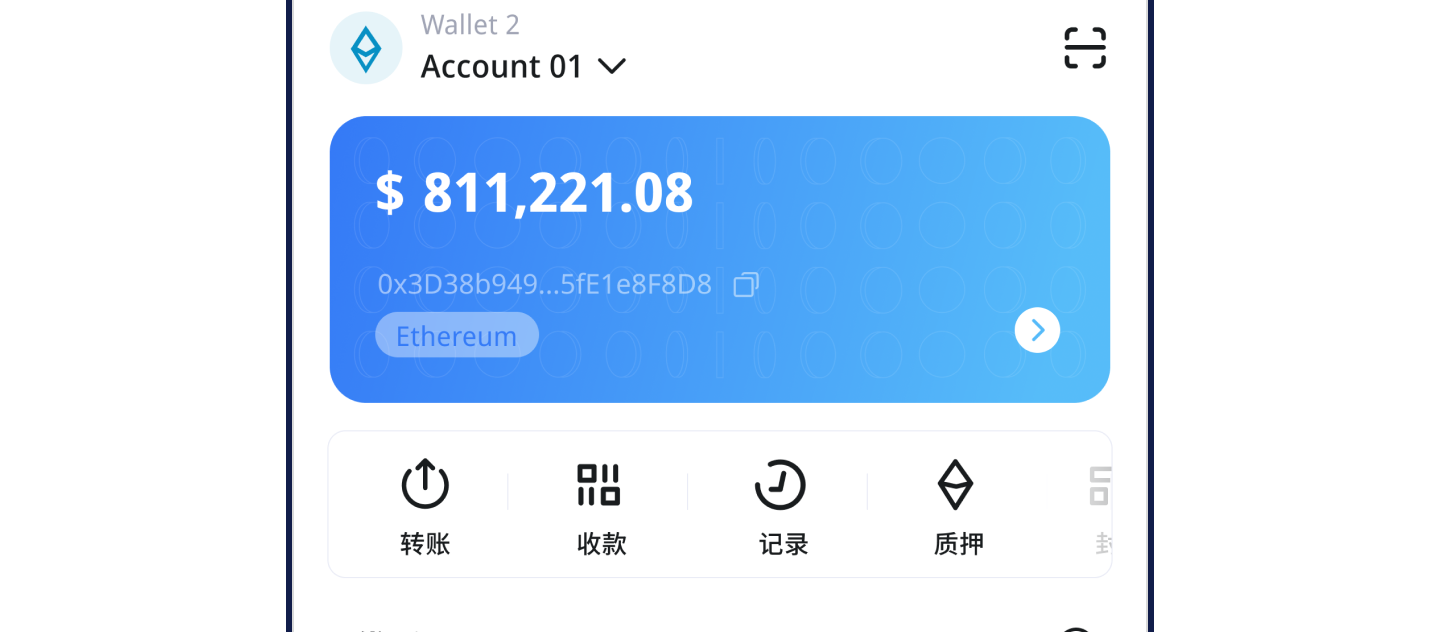
Why Is My imToken Wallet Showing the Wrong Token Balance?
日期:2026-08-04 18:58:48
If your imToken wallet displays an incorrect token balance, in most cases your assets are not actually lost. The issue is almost always related to display settings such as network selection, token addition, or node synchronization.
Below are the most common causes and their solutions.
Network Mismatch
This is the most frequent reason. When you withdraw funds from an exchange or receive a transfer, the network you chose (e.g., BSC, Polygon) may differ from the network currently selected in imToken. Your assets are then "hidden" on that other network.
Solution: Tap the network indicator in the upper-left corner of the asset home page (e.g., "Ethereum Mainnet"). From the pop-up list, select the correct network that you used when receiving the assets (such as "BNB Smart Chain" or "Polygon"). After switching, your balance should appear.
Token Not Added to the List
By default, imToken only shows the main chain coin (e.g., ETH). Other tokens (like USDT, UNI) must be manually added to be visible.
Solution:
On the wallet asset page, tap the "+" icon in the upper-right corner.
Search by token name or contract address.
Once found, toggle the switch next to the token to add it to your home screen. If the token is not found, select "Custom Token" and enter the correct contract address manually.
Node Synchronization Delay or Failure
Your wallet relies on blockchain nodes to sync data. If the node connection is unstable or has high latency, your balance may show as zero or fail to update.
Solution:
Force refresh: Pull down on the asset page to trigger a manual data sync.
Switch node: Go to "Me" -> "Node Settings" and choose a public node with lower latency (e.g., Infura). Wait 1–2 minutes after switching; the balance usually recovers.
Check your internet: Ensure your Wi-Fi or mobile data is stable. Try switching networks.
Wrong Wallet Account or Address
Wrong account selected: You may have created multiple accounts under the same network but are currently viewing the wrong one. Tap the account name in the upper-left corner and switch to the correct receiving account.
Incorrect import: If you restored your wallet using a mnemonic phrase and the balance is wrong, check whether the restored wallet address matches your original one.
Address matches: Your assets are still there. Follow the "Token Not Added" steps above.
Address does not match: The mnemonic/private key you imported is incorrect, or you chose the wrong derivation path. Find the correct backup and re-import, selecting the proper derivation path during the process.
Corrupted Cache Data
Local cache data corruption can also cause display errors.
Solution: On the asset page, try clearing the cache and reloading. This operation does not affect your asset security.
Special Case: BTC Balance Display Differences
For Bitcoin wallets, imToken may show a balance that differs from what you see when querying a single address on a block explorer.
Reason: imToken's BTC wallet displays the total BTC held across your main address + all sub-addresses + change addresses. A block explorer typically only shows the balance of the single address you queried.
Summary and Last Resort Options
If none of the above methods work, try these final steps:
Verify on a block explorer: Copy your wallet address and look it up on the corresponding blockchain explorer (e.g., etherscan.io for Ethereum). As long as the on-chain record shows your assets, they are safe – the issue is purely a display problem.
Re-import your wallet: Make sure you have securely backed up your mnemonic phrase or private key first. Then delete the current wallet and re-import using your backup. This forces a full resync and resolves most stubborn display issues.
Contact official support: If the problem persists, reach out to imToken's official support via the in-app "Support & Feedback" section. Provide your TxID (transaction hash), wallet address, and relevant screenshots for assistance.